Google Business Profile Setup for Small Businesses
Set up Google Business Profile for a small business: categories, services, photos, reviews, and the website links that support the map listing.
Maps SEO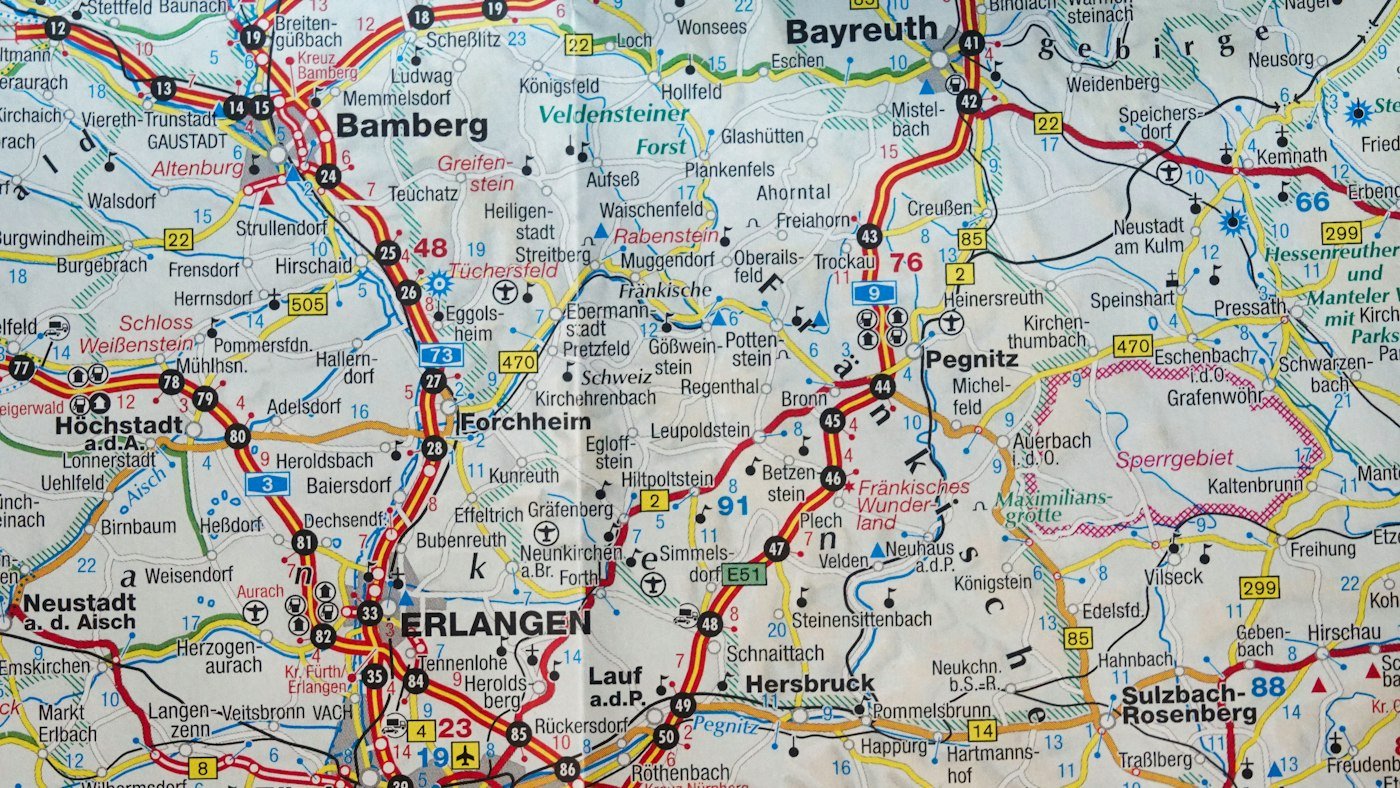
When someone searches for a service near them, the map listing is often the first thing they trust. A half-finished Google Business Profile looks closed even when the business is busy.
Complete the listing like a shopfront
Choose the most specific primary category, add the services you actually sell, set real hours, and upload recent photos of work and the team. Follow Google’s Business Profile guidelines so the listing is not removed for keyword stuffing in the name.
Connect the profile to the website
Link the website, use the same phone number, and add the booking or quote URL. That pairing is the core of Maps SEO and should sit beside local marketing and on-site SEO. Our longer Maps SEO guide covers reviews and citations after the profile is complete.
Ask for reviews you can answer
Ask happy customers once, reply to every review, and do not offer incentives that break the guidelines. If you want the profile and the local pages managed together, request a quotation or look at pricing.
Explore Maps SEO
Dominate local search. Own the map. Win the neighborhood.
Related articles

How Small Businesses Should Reply to Google Reviews
A simple way for small businesses to reply to Google reviews: thank the detail, fix the issue, and keep the re...
Maps SEO UK: Win the Local Pack in British Cities
Maps SEO UK tactics for Google Business Profile, citations, reviews, and city pages that help you rank in the...
Google Maps SEO Guide to Dominate the Local Pack
Optimize Google Business Profile and Maps SEO: categories, reviews, photos, NAP consistency, and local landing...