Captions and Cuts That Make Phone Videos Clearer
How to edit a phone video for a small business: burn in captions, cut the pause, and point the viewer to one next step.
Video Editing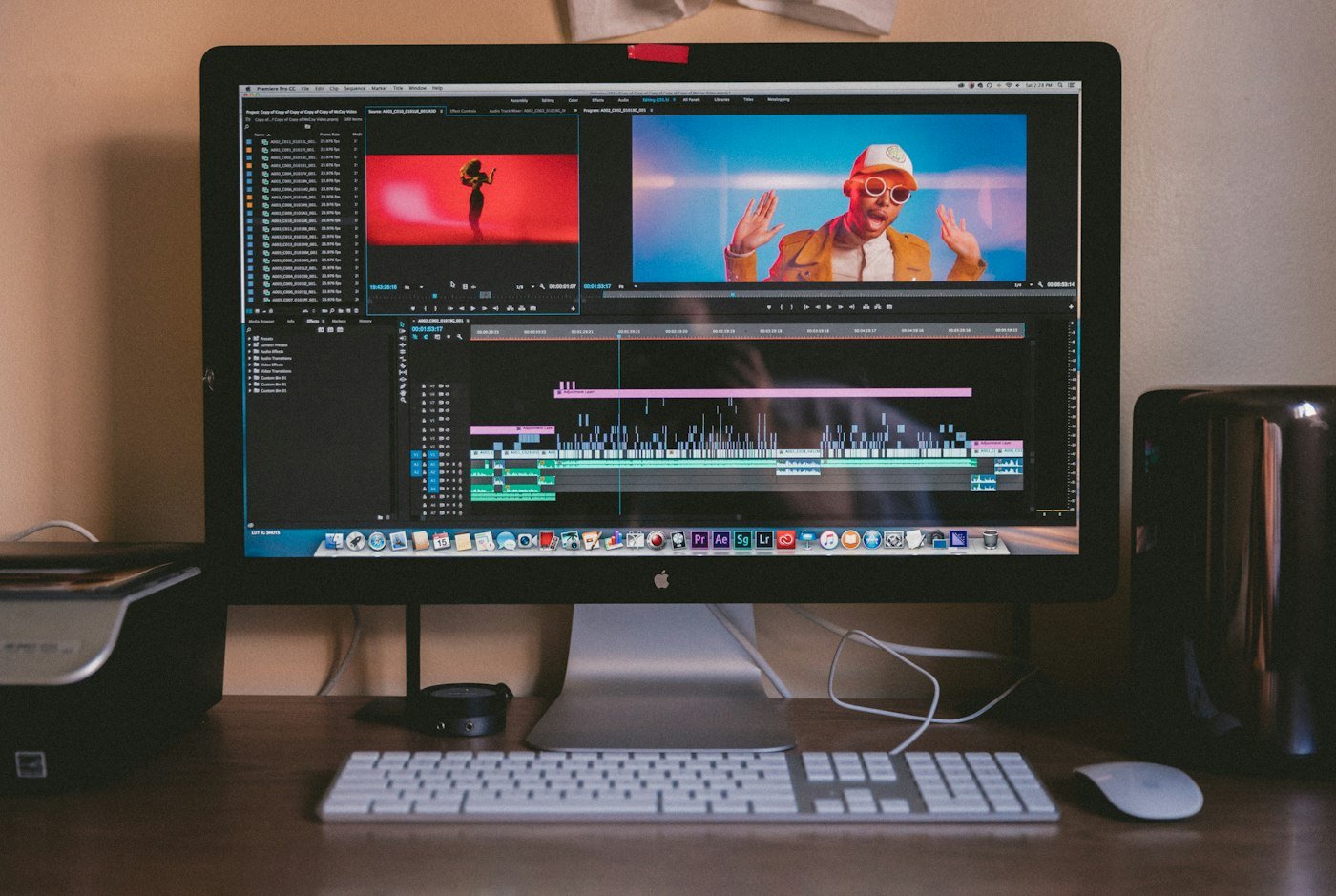
Most people watch a business video without sound. If the caption does not say what you do and how to enquire, the clip is a moving photo. Small businesses can fix that in the edit, without a studio.
Put the offer in the first line of text
Open on the result or the problem, then cut every pause before you add music. Burn the words into the picture so they survive a mute scroll. YouTube’s caption guidance is written for longer videos, and the same rule helps a fifteen-second clip: the words must match what is said.
The filming side is in short videos you can film on a phone The edit itself is video editing.
One clip, one next step
End with a spoken and written line: call, book, or visit the service page. Do not end on a logo alone. If the video promotes a local job, the caption should name the area you cover and the link should go to local marketing or the matching service page, not only to social media.
Export once and reuse
Save a square version and a vertical version from the same cut. That is enough for a month of posts. When the edits should match the brand type and colours, pair them with graphic design. To have a batch cut properly, request a quotation.
Explore Video Editing
Motion that stops thumbs and builds brand memory.
Related articles

Short Videos Small Businesses Can Film on a Phone
Five short video formats small businesses can film on a phone, plus simple edits that make them clear enough t...

Video Marketing Edits That Stop the Scroll
Learn how professional video editing increases watch time and conversions across Reels, YouTube, ads, and land...

A One-Page Monthly Marketing Report for Owners
A monthly marketing report a small business owner can read in ten minutes: enquiries, source, spend, and the o...